CodeVault
Stop digging for your phone at the register. Your loyalty cards, gym passes, library cards and tickets live on your Wear OS watch, ready to scan in a second.
How it works
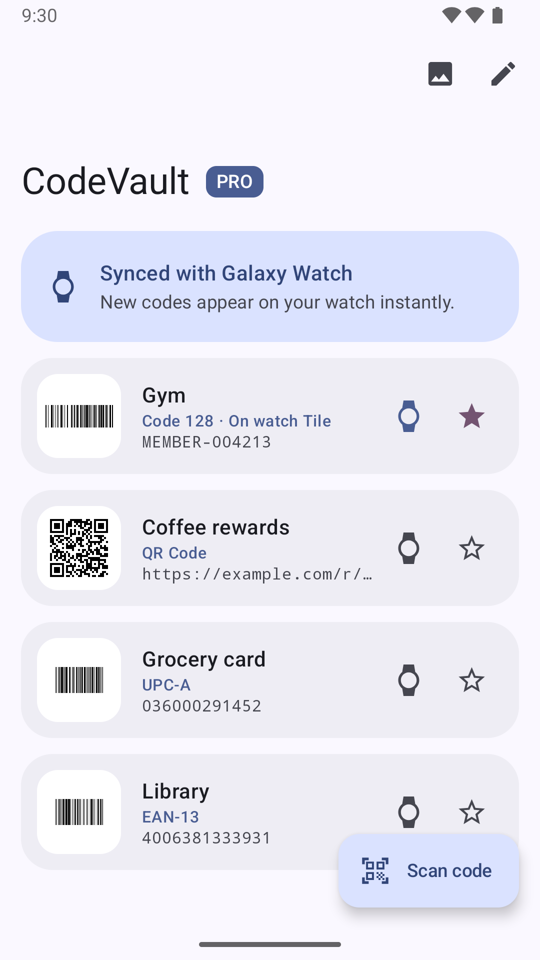
Scan on your phone
Point your camera at a barcode or QR code, import one from a photo, or type it in.
Show on your watch
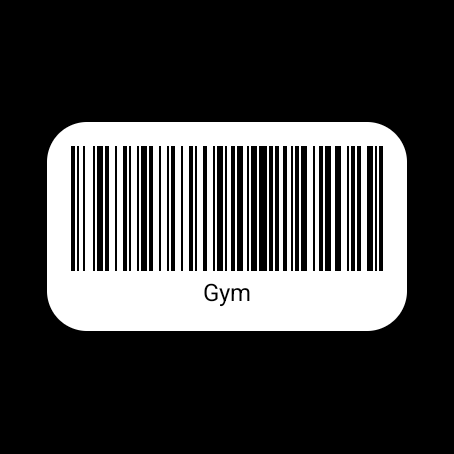
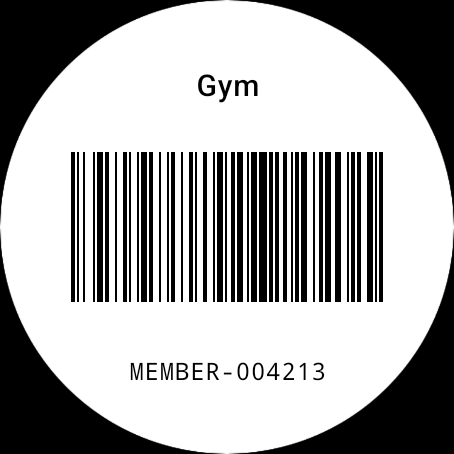
The watch redraws each code as crisp black on white at full brightness, so scanners read it first try.
A Tile for your go-to card
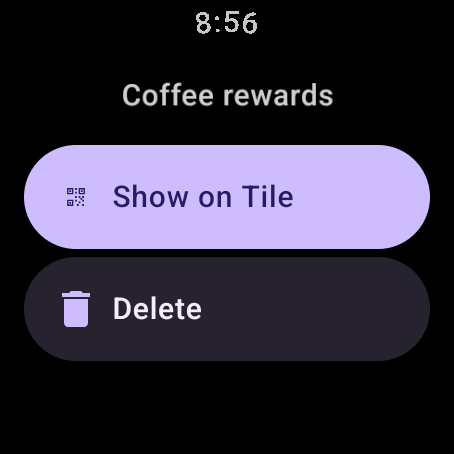
Your most-used card is one swipe from your watch face. Choose it from your watch or your phone.
Works without your phone
Once synced, codes stay on your watch. Leave your phone behind and still scan in.
Supported formats
QR Code, Aztec, Data Matrix, PDF417, Code 128, Code 39, Code 93, Codabar, EAN-13, EAN-8, UPC-A, UPC-E and ITF.
Free and Pro
Save up to 3 codes for free. CodeVault Pro is a one-time purchase that unlocks unlimited codes. No subscription.
Requirements
A Wear OS 5 or later watch paired with an Android 14 or later phone. Install CodeVault on both.
Privacy
No account, no ads, no tracking. Your codes stay on your phone and watch. Read the privacy policy.
Support
Questions or problems? Email [email protected].